Design Visualizer
Start with a patio, walkway, or driveway. Make the layout yours in 3D, explore finishes, and send your idea to Joe when you’re ready.
A design you can explore
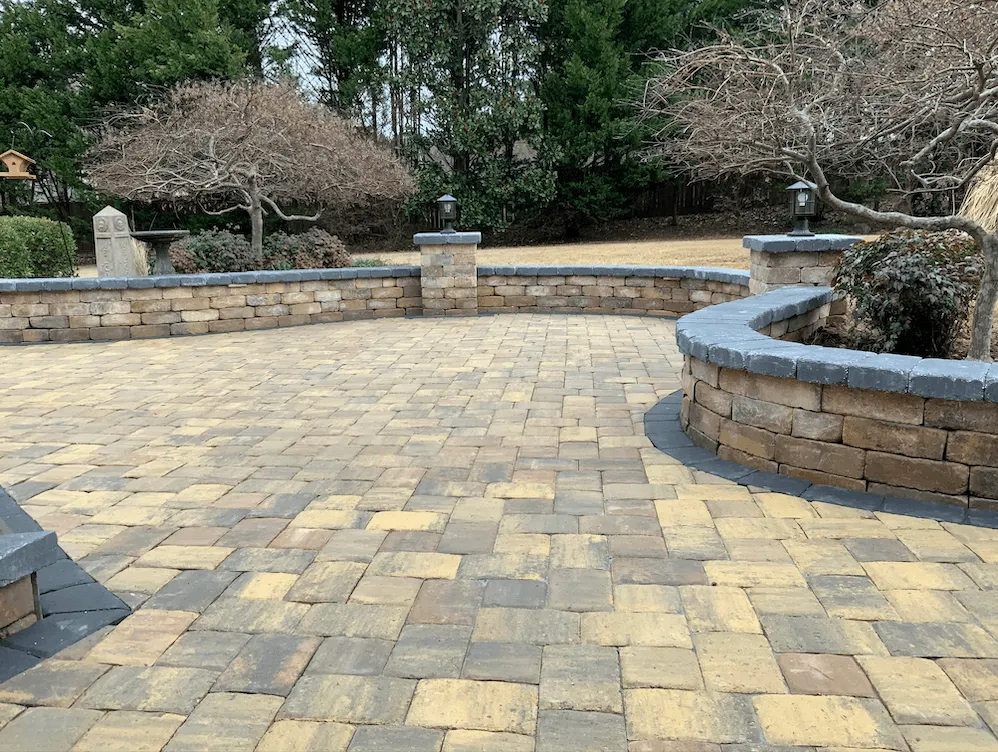
Open a ready-to-edit layout. Choose a patio shape, change the size and stone, or add a walkway, driveway, pavilion or sitting wall. Keep it simple or spend time refining the details—all in one workspace.
Your draft saves on this device. Add a yard photo and create a finished preview if you like, or send the layout straight to Joe. Designs are starting ideas; final measurements and construction details require a site visit.
How It Works
Choose a starting layout, then adjust its shape, dimensions, stone finish and structures.
Optionally add your yard photo and generate a finished image of your layout. You can also send your design without this step.
Share your design and a few contact details. Joe can help with the next step and arrange a free on-site estimate.
Preview Your Project
The Design Visualizer is a planning tool built for homeowners who want to see their ideas come to life before the first paver is laid. Whether you're dreaming of a new patio, reimagining your driveway, or planning a complete backyard transformation — this tool helps you explore the possibilities.
Design Visualizer
Choose a layout, make it yours, and picture the possibilities.
Start with a 3D layout
Professional Guidance
The Design Visualizer is a great starting point for exploring what's possible. But when it's time to choose materials, plan drainage, and build something that lasts — that's where Joe and the Southern Pavers team come in.
100+ projects completed with care and precision across Upstate SC.
Joe treats every project like it's for his own family — with honesty and care.
We know the Upstate climate, soil, and what works best for SC properties.
Start visualizing your outdoor space today, or reach out directly for a free estimate and expert consultation.
Or call Joe directly: (864) 501-6994